How to Prevent Zoombombing
As Zoom's user base has grown over the past few weeks, reports of "Zoombombing" or "Zoom invasion" have spread across the Internet. Public school classes, institutional meetings, exercise sessions and other virtual gatherings have been derailed by unscrupulous participants. Some of these…
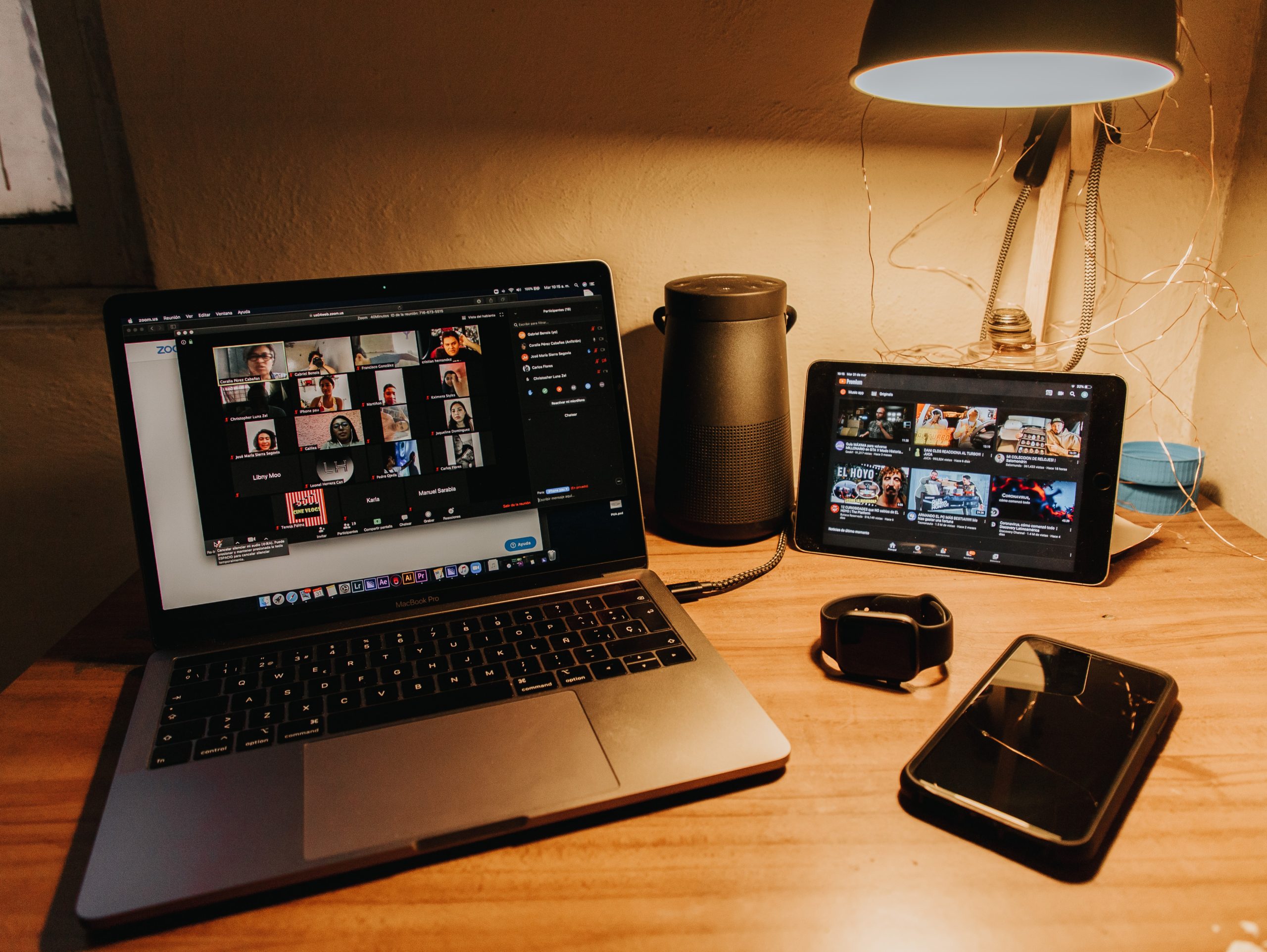
As Zoom's user base has grown in recent weeks, reports of «Zoombombing» or «Zoom invasion» have spread across the Internet.
From public school classes to institutional meetings, exercise sessions and other virtual gatherings, all have been derailed by unscrupulous participants.
Some of these users have been students, frustrated by online education and eager to escape the virtual classroom by any means.
Others have exploited the platform's security flaws to harass specific groups with racial slurs, sexist comments and pornography.
These attacks are almost impossible to prevent, especially when an event is public (such as a workshop or an open conference).
But there are some steps you can take to make your meeting more secure.
Don't share your Zoom link or code on social media
The easiest way to avoid being hijacked is to keep your event private and your guest list small.
If you are organizing an event for a large public audience, don't post your meeting link directly on social media.
Instead, publicize an email address where people can express their interest in attending the event.
That way, you can review the list of potential attendees and share the event link only with those you choose.
Set a meeting password
A meeting password, which Zoom generates automatically, will keep uninvited users from joining your event, even if they have the meeting link.
Unfortunately, many Zoom users trade and obtain meeting codes on social media.
Be careful where you share your meeting code and, if you can, wait to send it until shortly before the event begins.
Enable a waiting room
A waiting room gives the meeting owner the ability to place everyone who tries to join the meeting in a virtual waiting area.
The host can then admit only those they have invited to the meeting.
Sometimes Zoom users use familiar names, so be careful to confirm the person's identity by asking them to turn on their camera.
Set screen sharing to «host only»
One popular way for a Zoom user to hijack a meeting is through the app's screen-sharing feature.
When screen-sharing privileges are set to «all participants», any member who joins a meeting could project offensive images to the other participants.
Turn off the annotation feature
Even if you limit screen sharing, trolls can draw offensive words or shapes over the host's presentation using the annotation tool, which lets users draw on the screen in different colors with a cursor.
Restrict other features as needed in the host controls
Saboteurs will exploit every feature they can to ruin a meeting.
For some meetings, it may make sense to block private chats, disable file transfers and restrict custom backgrounds, all of which could be used to mock or harass participants.
Disable «allow removed participants to rejoin»
Trolls can be persistent. One way to thwart their efforts is to prevent them from rejoining.
Unfortunately, some attacks are coordinated, so there may still be other malicious actors in your meeting.
Make sure you are running the latest version of Zoom
Zoom recently announced that it would shift all engineering resources to combat harassment and improve security features to better protect users.
Remember that there are other videoconferencing tools, such as Microsoft Teams, Skype, Google Meet/Hangouts and Webex.
Avoid social tools such as Instagram and House Party. They are social networks and do not guarantee the levels of privacy and security that businesses require.