Tips for getting the most out of our internet
Many factors affect a good browsing experience, so we offer some key tips to minimize drops and slowness in your wifi connection.
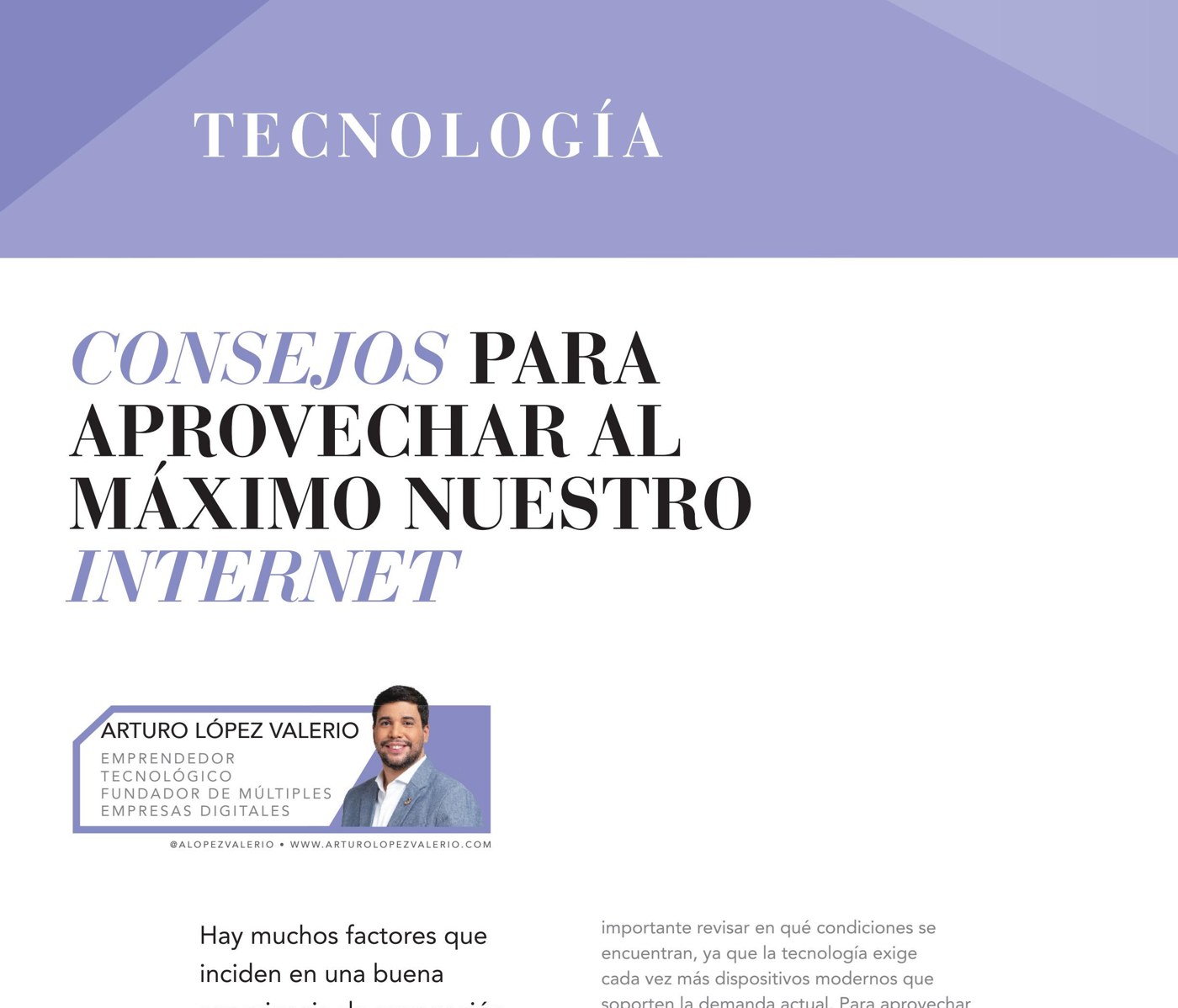
Many factors affect a good browsing experience, so we offer some important tips to minimize intermittent or slow wifi connections.
It is essential to consider routers, cabling and repeaters, especially if they have gone many years without being replaced. It is important to check their condition, since technology increasingly demands modern devices that can support current demand. To get the most out of your wifi connection, the router must be properly placed. Coverage strength depends on the type of construction and the layout of the spaces in the home.
In the new reality we are living, the use of upload speed has increased. When you update your social media, upload a video to YouTube, go live or connect to platforms for group socializing, you are using upload speed and not download speed, which is the one we were used to relying on more.
When we talk about megas and gigas
If you have, for example, a package that includes voice, internet and cable from a telecommunications company, you are probably used to talking about “megas” when referring to an internet connection. This is just the colloquial use of the unit used to measure speed, both upload and download. It is also worth clarifying that we usually talk about download speed and forget upload speed, a concept that has become essential in this situation of remote work and online study.
It is worth clarifying a few things about both speeds: download speed is the time it takes for information to reach us from the network of networks, that is, from the servers that store that website, video or any other type of content.
Upload speed is the time it takes for information to travel from our PC or phone to the internet. It is essential when we send an email, update our website, upload a video to YouTube, make an online backup, upload photos to social media or use videoconferencing applications like those we have been using during the quarantine (Zoom, Skype, Webex, Teams, etc.).
How to maximize your browsing experience
- First: The router should be placed about 4 feet above the outlet, or on a piece of furniture in an open, central spot, where you would put a speaker so you could hear it throughout your home.
- Second: The router should not be near cordless phones, microwaves, baby monitors, surveillance cameras, or windows or doors that open to the outside. The waves get lost and weaken indoors when part of them leaks out.
- Third: If your home is very large, we recommend using a wifi repeater placed where the router's signal is still strong, so that it replicates it in more places.
- Fourth: It is important to know that your browsing experience will depend on the speed you have contracted, the number of devices you have connected simultaneously (cell phones, tablets, laptops, TVs, cameras, doorbells, virtual assistants, etc.) and how you use each of them.
We live in times when the internet has become an essential need in our lives. Work and education now happen from home and entertainment is an essential part of our routine; all of this is possible because we are connected. I hope that from now on you can apply these tips and browse responsibly.
Originally published in Revista Bohío 216 (Bohío 216), Ediciones Cabrer.